![Official Website for Dustin Miller PolyInnovator [LLC]](https://www.polyinnovator.space/content/images/2025/03/polyinnovator-logo-2024.png)


Alrighty, this is an introductory post about the AI video editing tool "Firecut". Something I heard about ages ago, probably from Ali Abdaal most likely, and I finally got to try it in the last year.
I met the founding team at Vidsummit late last year, and early 2026 I had access to it. To preface this post I am not sponsored/paid, or anything to make this post. I will add an affiliate link if you decide to try it yourself, and that does help support PolyInnovator. However I do not regularly use this tool at this point, and I'll explain why at the end.
Today isn't a review, I will give my thoughts though, but rather an overview. I figured there wasn't enough content explaining how to use the tool, and I had to figure a lot of it out myself.
Why would you use Firecut?
How does it work?
Basically it gives a bunch of features to Resolve/Premiere, that help accelerate your editing process. Now I'm not 100% if it really accelerated things for me, or just simply "offloaded" the task.
Which in of itself is actually really helpful, like I don't like finding the 3 highlights at the beginning of a podcast interview. Thus I use the "create highlights" feature, and it finds them for me. Then I just pick 3 from that.
My point was though are those the same highlights that I would have originally chosen from, or are they different ones? Either way in using Firecut I didn't have to scrub through the whole video to find them.
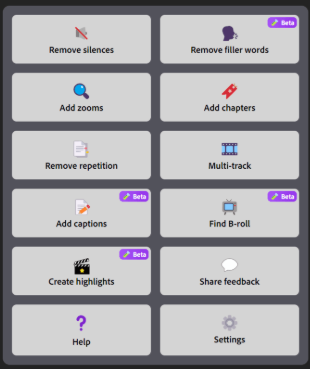
These are the features (subject to change as they add more over time of course), and I got to use a lot of them. However things like multi-track or remove repetition weren't really relevant to me. The latter I think is something that they are somewhat known for due to Ali Abdaal mentioning that feature a lot.
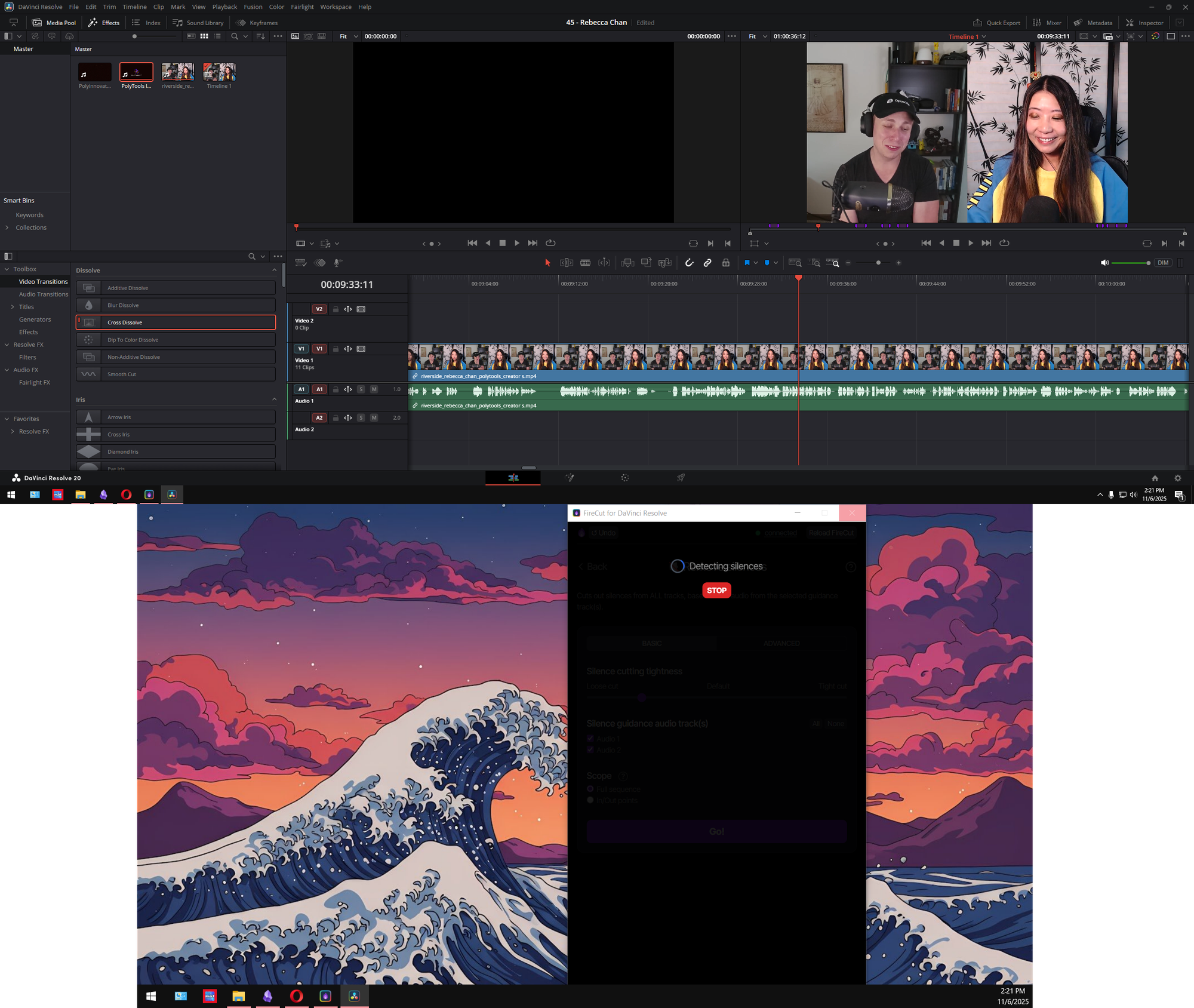
Other features are interesting. For me the chapters, highlights, and remove silences were things I tried a handful of times. I do not think the remove silences feature worked very well to be honest, it just kept trimming the silences down, but leaving a significant chunk of dead air for each one. Even when I ran it at the most extreme setting.
Additionally, a point I'll make later in this post is whether or not to use this in replacement of tools like Riverside's Magic Editor or in some cases even OpusClip (for short form, as they did release a short form clipper at the time I was testing).
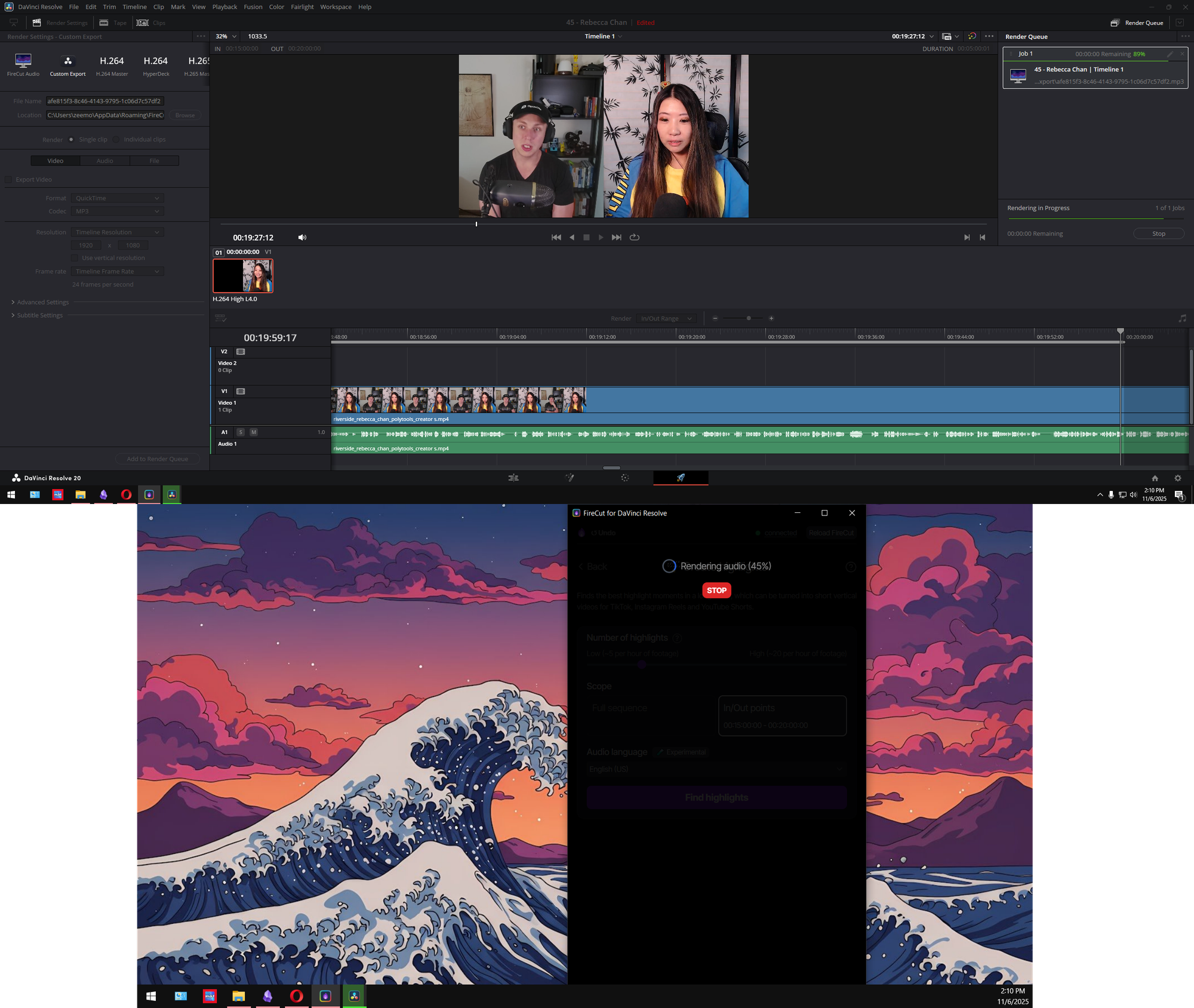
Whenever you are using some of the features it has to process the whole video, and what I assume is happening is that it sends the exported audio file to their server to be processed. I wish more of the features happened on device, and with computers having NPU's or strong GPU's nowadays I think it is completely logical for a next step.
Sometimes this waiting though makes a huge dip in the editing productivity. I'm not complaining, as I got access to the tool to try it, and I'm grateful. However for me I really struggle with getting myself to even START editing, let alone finish, and if I run a program like this that halts me from editing. Even if its speeding up the process in other ways, it sort of kills my momentum, and then I leave to go do something else.
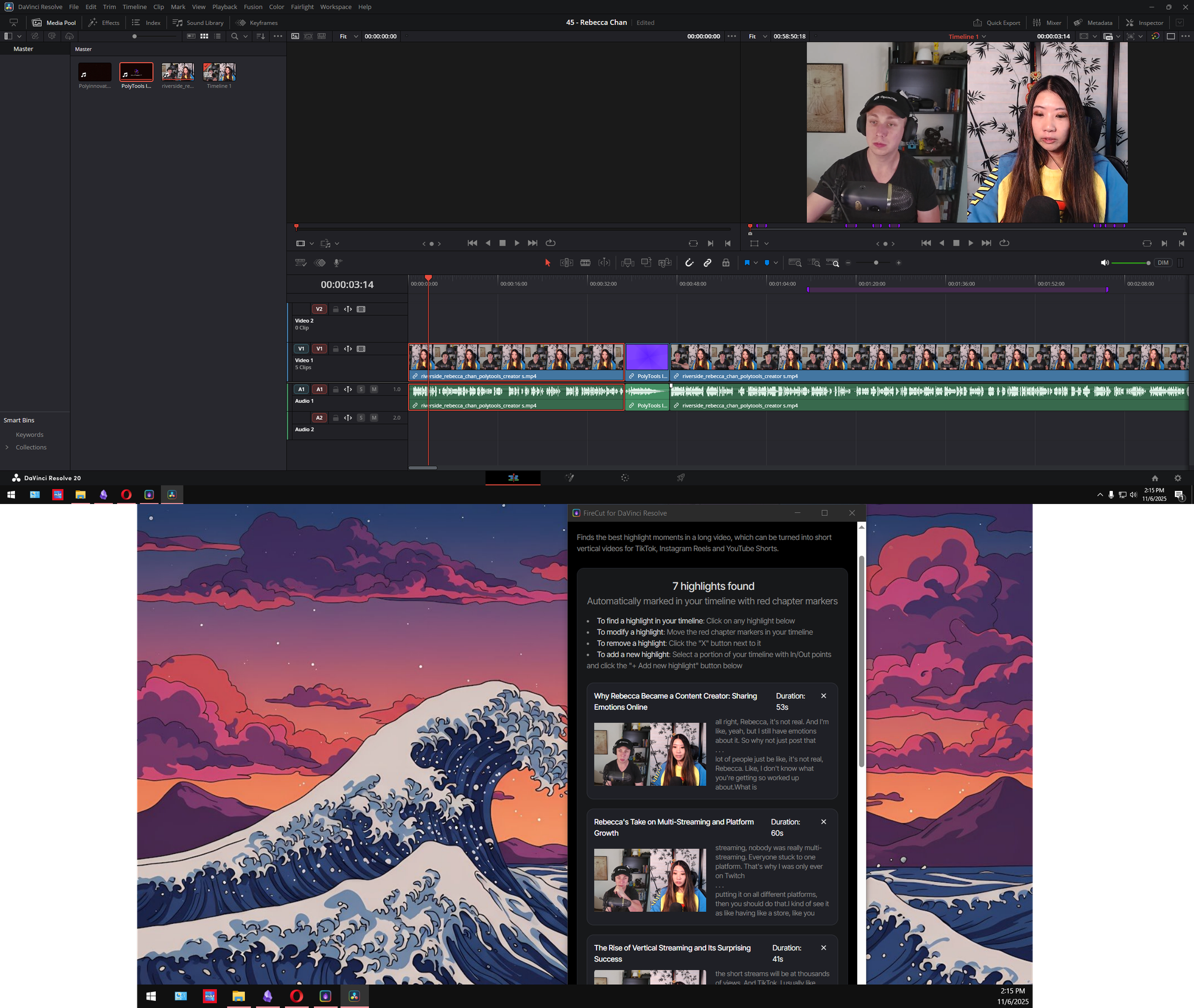
This is a feature I think did really well, and while I would assume it would find MORE than 7 highlights in a video this long. They were good highlights after all.
These are the ones I was able to choose from and bring to the front of the video for the highlight reel. I think I had to trim it down though.
It would be interesting if you could maybe make a new project from these highlights, and then export them individually. Like Firecut would automatically just pull all the relevant files and details.
Or better yet, export them from the original video file in its own separate program. Leaving me to do video editing on my own while it happens, though that is assuming you have the processing power to do both, or it sends to cloud or something.
I mentioned earlier using Riverside, and to be honest I much prefer the team of Firecut over the latter. Although if I am already recording in RS, then it makes sense to use some of the features in the editor before exporting.
The silence removal and filler word removal are a lot more powerful, but then a fourth of the featureset of Firecut is redundant. What then?
What was my take? Should you use it?
When it comes to ai tools, or automation tools, I always say don't overly rely on them to fully replace what you normally do. However in the case of something like Firecut I can see why people would use an automatic editor.
Especially since I personally hate doing the editing process, and so my normal advice has to be taken with a grain of salt as they say.
What I think is best is to do a combination of things. If you need audio enhancement then use Adobe Podcast or Riverside Magic Editor, but if you need various actual editing automated then Firecut makes a valiant effort to make it into your tech stack.
By using a few different tools you can decrease the workload by a ton, and combining them together gets rid of the overtly "ai" feel that some tools individually cause in the edit. Firecut stands as one of the best editing tools.


