![Official Website for Dustin Miller PolyInnovator [LLC]](https://www.polyinnovator.space/content/images/2025/03/polyinnovator-logo-2024.png)


Over the years I have been trying to find my perfect workflow, and more importantly the tools I needed in order to compete as a solo creator. Other creators have a team behind them, and maybe one day I can too.
However with the way that AI, compute, and technology as a whole is going I don't think I'll need to for a while.
One tool I was even searching to find for over twelve years!
Why do you want to automate your content?
I'm not saying using Auto-Generated Tools to go and make all of the content for you. The people who do that are lazy, and tend to not grow much. It is helpful to have some things automated, and maybe like 20% of your content strategy can be auto generated. However the automation we are talking about today is different.
It is more about expediting certain parts of the process. Instead of me manually editing the gain/volume of a speaker in a video I can use adobe podcast or riverside magic audio. Instead of manually scrubbing through a video to find a clip, I can just throw it into Opus. All of these things help you speed up the process.
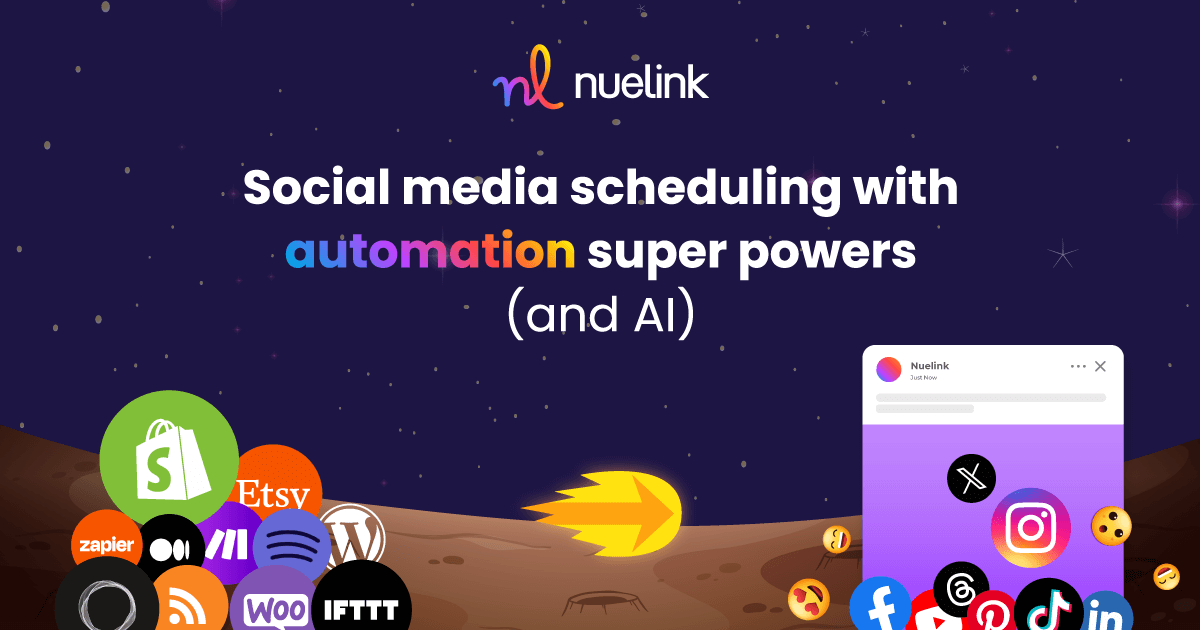
Posting a new video or blog post to socials I hated doing it, and now I can just setup an automation in Nuelink. It is automatically done now for me, and I can even make additional variations to the captions.
 Dustin Miller | PolyInnovator
How do I use Automation Tools?
Its more than just doing zapier a+b=c type of automating, and you aren't just connecting tools through MCP. Although that is certainly viable in the modern AI era. For me most of my automation tends to be centered around content creation. I wanted this post to be a bit more in depth, as in "here's how you can automate your creation workflow.
In which case here's a demo idea:
Livestream using Restream or Streamlabs, the top tools for multistreaming syndication (as in it does it in the cloud for you). Unlike SE Live, Meld, or Aitum where your pc needs to be strong enough for multiple platforms.
Create your stream, record videos in that stream, use something like Claude to auto chop those "videos" you made from the livestream, post the videos to YT, post to Spotify for Creators so that they get a second home, and then can also be podcasts too.
Technically Riverside.fm can do livestreaming, and podcast hosting; However I have had so many issues with the platform since it came out that I can't rely on it consistently. Even today I was exporting an interview, and there was no audio for my guest as I used their "Magic Audio" enhancement, which is normally great, and secondly only Adobe Podcast in quality. However it cut out the person's voice completely.
Toss the whole livestream into OpusClip (the best clipping tool by far), and then using MCP you can send them to Nuelink to automatically go out through your collections (I've yet to try this, but I should).
Syndicate across all short form video platforms.
For me this is one of the many reasons I love Nuelink, as it a powerful social media automation tool, and I tried others before it. They don't come close.
Highlighted Automation Tools:
Normally I'd highlight just one tool in this section, but I wanted to give you a tech stack to be able to use.
OpusClip
Before this tool came out there wasn't a "clipping" category to my Tools Database, and it was just all "content repurposing". However every tool before was severely limited by comparison. They would find only a dozen clips, in the same 60-90 min episode, where Opus would find 35+. Still an 80% usability rate between both too.
Not only that if I wanted the "Split" view, where both speakers were stacked on top of each other I'd have to use a whole separate other tool to reframe the clip.
Perhaps I should have done that, but I had no bandwidth to be doing that mountain of labor. Opus made it extremely efficient for me to go through my entire backlog of content.
 Lewis Howes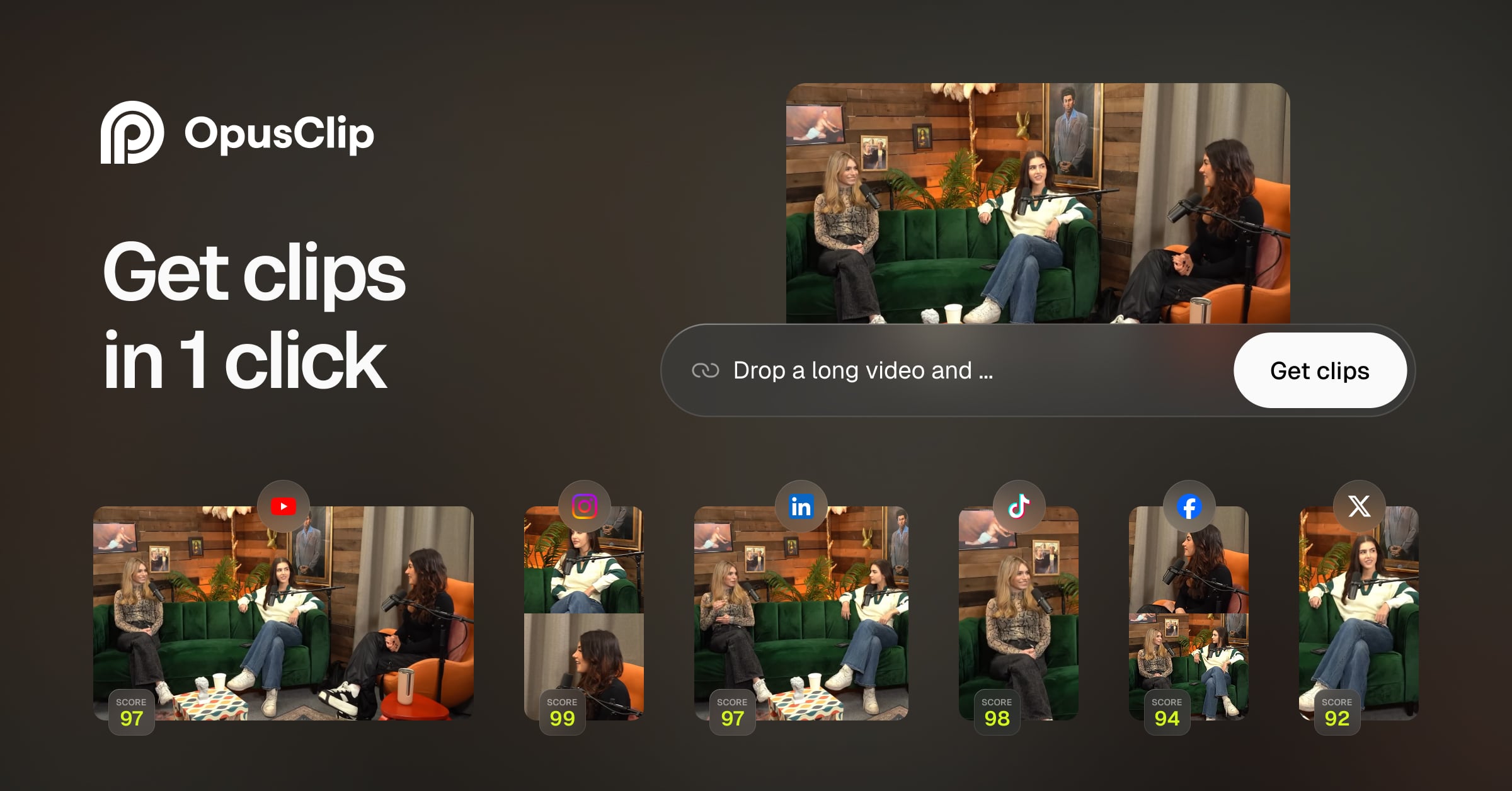
Nuelink
By far my most used tool, even more than Opus, which is saying something. The team is a ragtag group of really well knowledgeable people. They know the social media landscape in and out, and they know what creators need from the tools they use. They also have been very responsive to feedback as well.
I wanted two things from a social media management tool, and every other SMM tool either had only ONE, or NONE.
Nuelink happens to have BOTH.
Those being:
- Bulk upload, mostly for all of the clips generated in Opus
- Automatic RSS/YT social media posting every time I make new content.

Firecut
Still one of the best longform automatic editors. I didn't get myself to use it nearly enough, which is why I stopped. However if you really just don't want to edit nearly as much, this would be a great way to help with that.
Think of the boring stuff you do, cut out pauses, find highlights to put at the beginning. This essentially did those things for me, and while it wasn't necessarily faster than me to do it. The point is that I was able to OFFLOAD or delegate that task, in which case I wasn't able to before. I think that is the crucial selling point for Firecut.

Riverside FM
Someone even asked me today why Riverside? It is still by far the best video podcast recording tool. I've tried podcastle, descript, waveroom, etc.
Riverside also is one of the only ones with a cloud backup in case something fails.
The one issue is that there are random critical bugs that randomly occur, but it is still more consistent than the other tools. The interface is often quite better than other tools like Descript too.
P.S. You can also host your podcast there too, although I'm not sure how good of a host it is.

Honorable mention: Repurpose.io although I don't use it anymore.
🥡 Takeaways
I tried to be clear about any caveats of any particular tool, but most of these are great. The ones I was iffy about are still very good, and any I don't like I didn't even mention.
The idea is that you can automate a LOT more of your workflow, than you might have initially realized. That's why I wanted to make this post today.
Let me know if you have a great automation tool in your stack!


