![Official Website for Dustin Miller PolyInnovator [LLC]](https://www.polyinnovator.space/content/images/2025/03/polyinnovator-logo-2024.png)


Every year I create loads of content, plan my life, organize my information, and do so much. Well how do I do it? I have the right tools to help me create systems.
From the knowledge management to the content creation, and even just AI to keep me soundboarding new ideas. I started recently vibecoding, so I'll share the tools I'm using for that too.
It's my hope that this series will be a bit more consistent, as in recent years since I started it. I've only really gotten 2-3 quarters of the year made. However sometimes the tool stack can change a lot, or conversely in the last two quarters of 2025 (and even part of 2026) my stack didn't change.
However it is important to document that I think.
Important note on sponsorships or declarations
I'm pretty open about what companies I work with, and sometimes even more so about companies I WANT to work with. I obviously use Obsidian a ton, but they don't do partners or charge. Thus I don't need to mention it usually.
Alternatively, OpusClip and Nuelink are two companies I work with a lot, and I partnered with them a while back as part of my automation stack.
Those I will share affiliate links without even thinking too much because of how much I talk about them.
Other tools that I might use, but don't necessarily work with. Those I will try to declare if need be. However just assume any link is an affiliate link, if applicable, and that means at no extra charge to you I get a kickback if I talk about it. Although tools like Obsidian or Meld Studio, they don't use affiliate links so its just the standard URL for example!
My Personal Knowledge Management
When it comes to PKM this is my bread and butter.
I eventually moved everything to Obsidian, and over the last couple months I really do mean EVERYTHING. P.S. Be sure to back up your vault weekly/monthly.
Recently started moving AI chat logs, social DMs (for work related), emails (again mostly work or partnerships or passed loved ones), books/movies/games databases, and much more. Creating a holistic system for myself to track every aspect of my life.
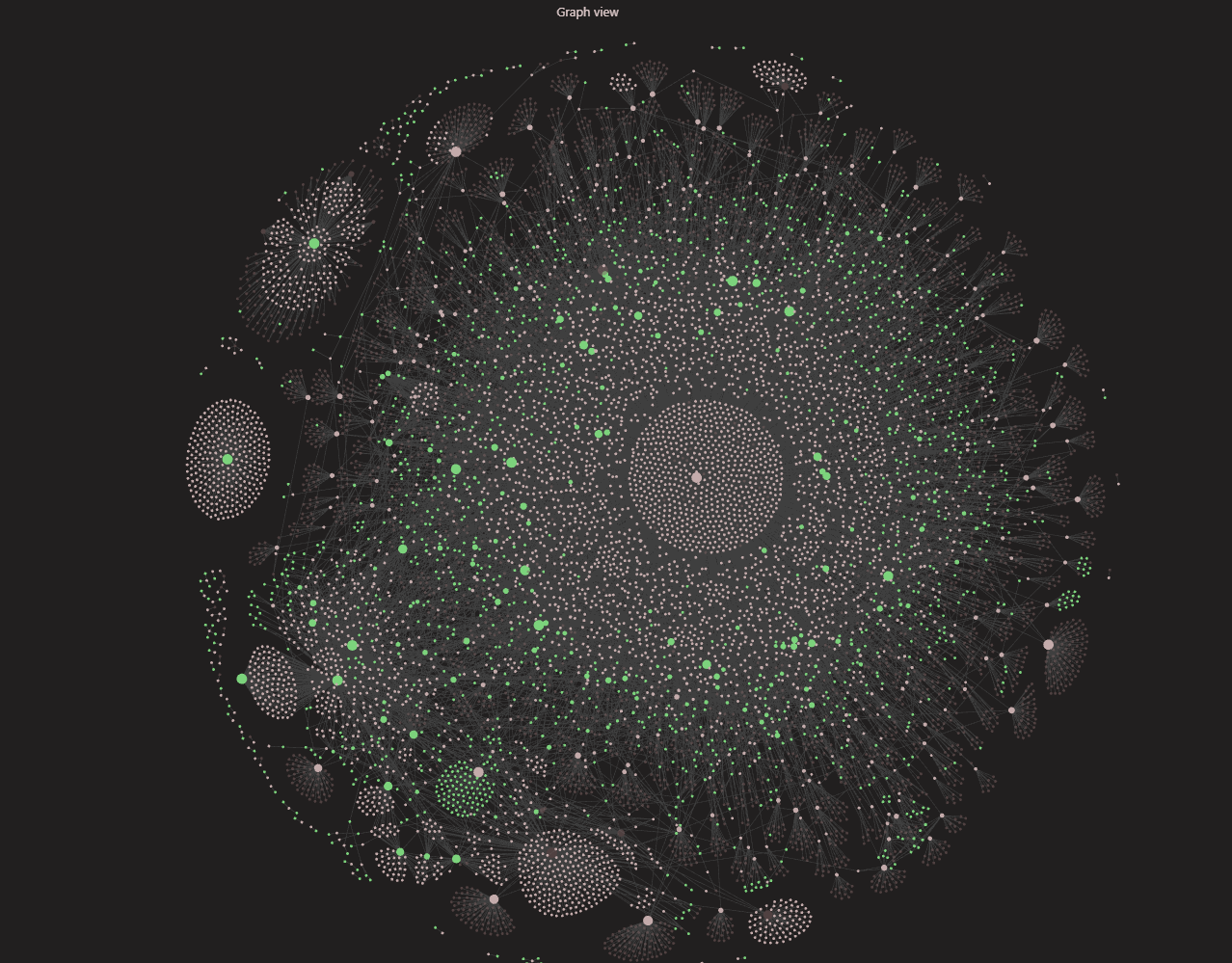
While the tool hasn't changed, I have tried to use it more and more, and with the advent of obsidian bases. A newer core plugin, and a bunch of beta plugin add-ons for it. I have been able to do a lot more with the app. Bringing it closer to making Obsidian into the All-In-One PKM System!
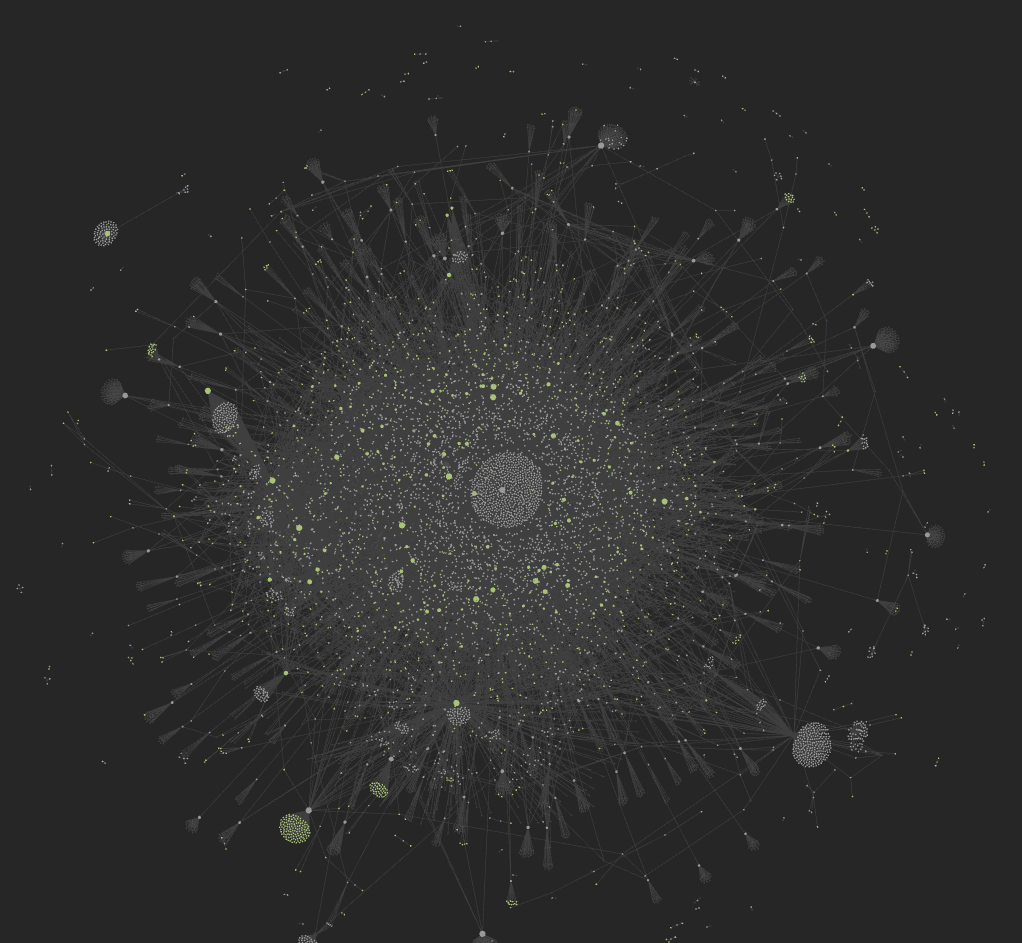
For those of you who know Obsidian I have a lot of orphans, and most of my vault is untagged now. Thus I need to remedy that at some point, its mostly sorted via a well designed folder structure. However I want both tracking systems for an even more in-depth network effect.
One particularly interesting plugin has been Calendar for Bases, as it isn't natively featured yet. However this is the missing feature, that and bases itself, that I needed to fully replace notion. The only reason why I'd use notion now would be to have access on other devices, as I still haven't found the best sync system yet.
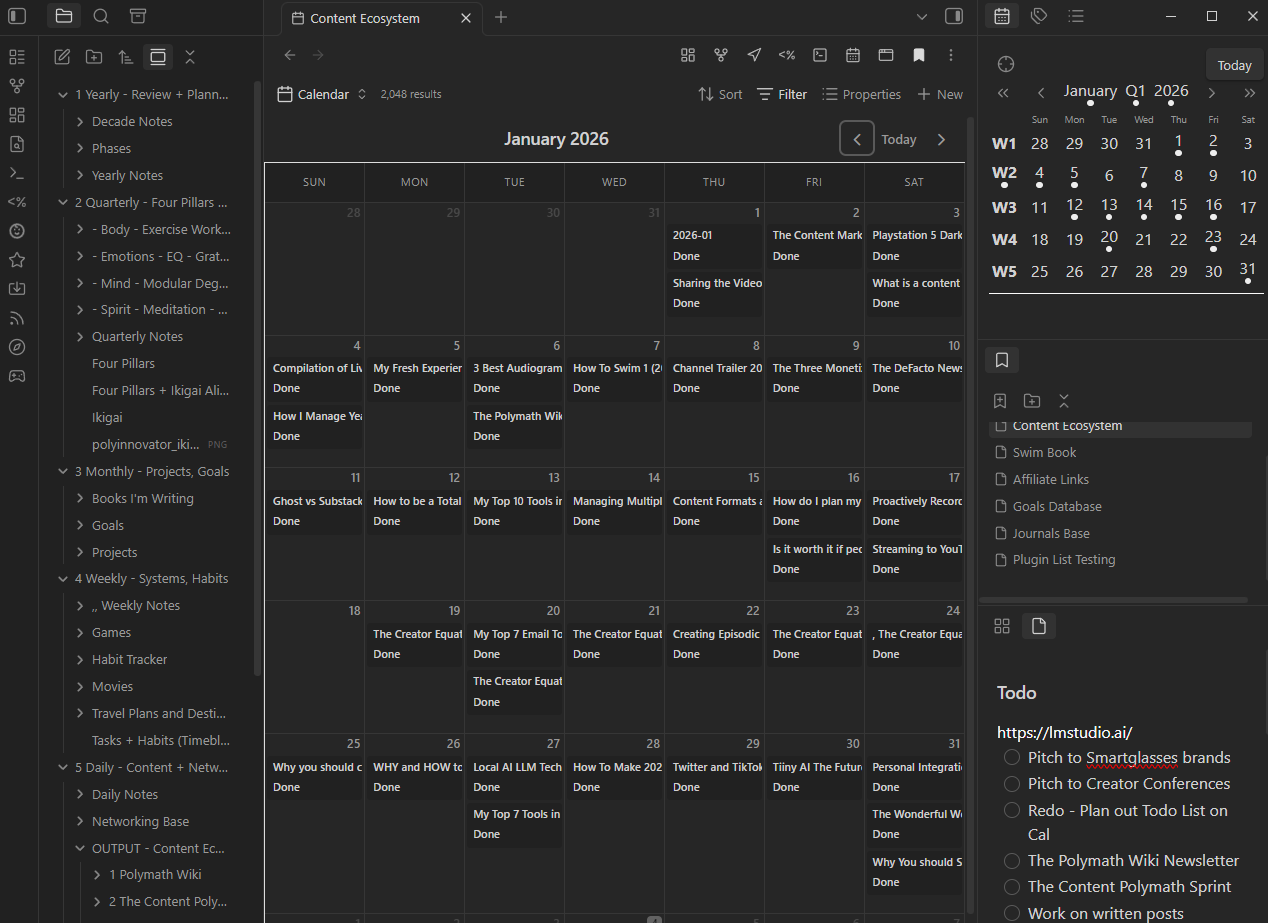
I managed to plan out my entire 2026 year worth of content. While I'm struggling to have any focus/motivation due to this time of year. I think that this has made a huge difference in my ability to produce/output.
Databases
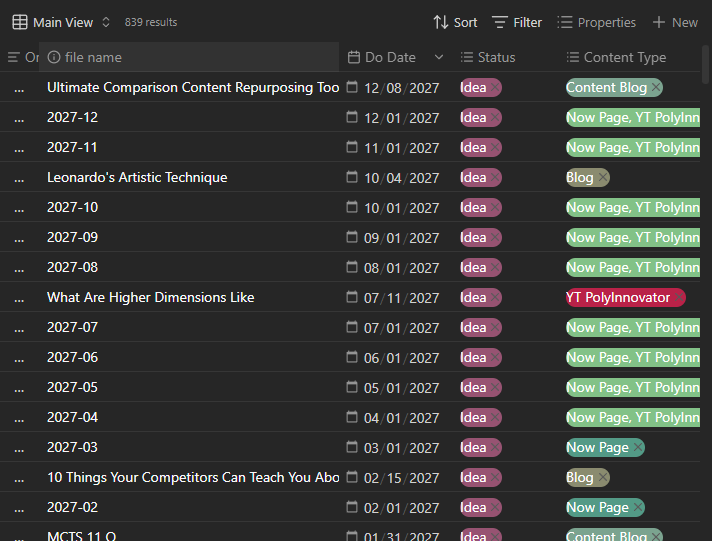
A view of my content database table. It took a while, and given the different series or types I had to do things in a jumbled manner. I.e. I went through series that were only once a month first. Scheduled those out, then the two main youtube channels, then the stuff that needed to be weekly like newsletters. Then I filled in the blanks with blog posts and other videos.
Social Media Scheduling
Still nothing comes close to Nuelink, and even though Opus did a great job with their scheduler. I mostly use NL for my short form videos, as I have a few different streams of clips that go out.
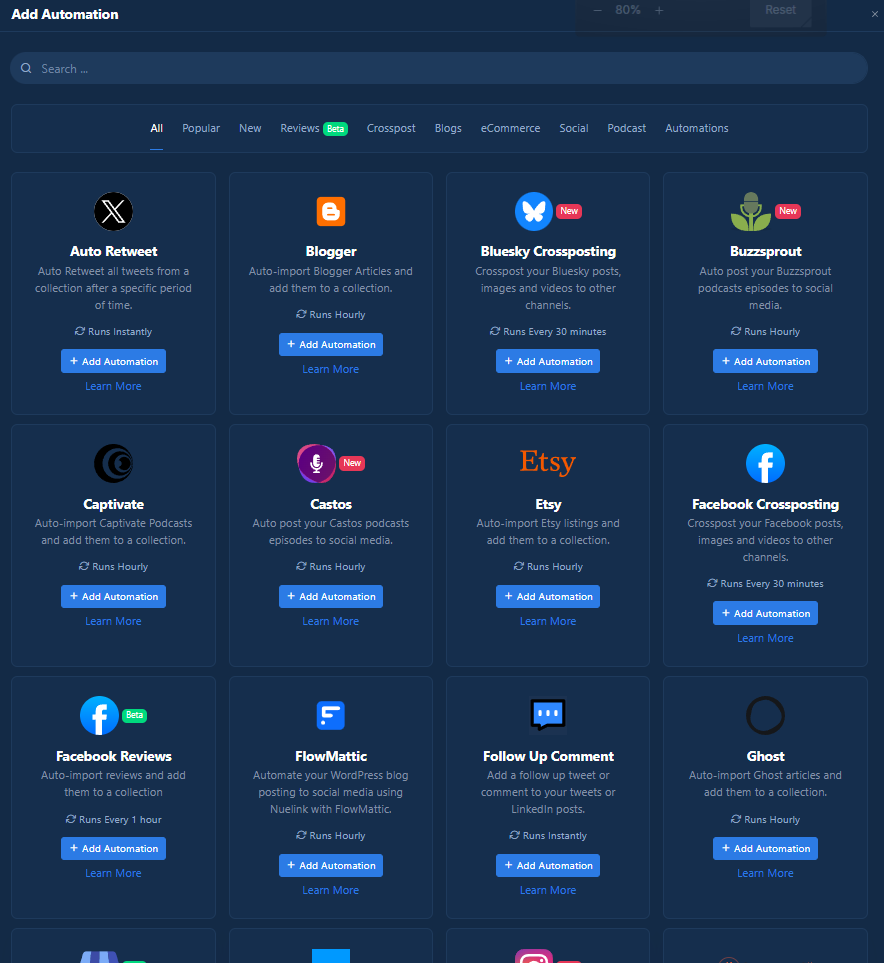
Not going to say anything more about it as I gas up this tool a lot, and I have a lot of posts coming talking about it more.

Creation Tools
Changing this section for this quarter, not sure if I'll keep the change, but since I have been vibe coding more. Creating content has been really just the same for the most part for the last year. I figured I'd decrease the size importance of the creation tools, as you can just look at my old MCTS posts for more information. https://www.polyinnovator.space/my-current-tech-stack-6-q2-q3-2025/
Let me start off with the Vibe Coding tools:
I haven't messed with ai very much since 2023 if I'm being really honest. Only dabbled in various new tech that would come out, repurposing tools like Opus, or auto-generation tools for content.
However 2026 started out quite like the beginning of 2023, where I found myself super into vibe coding.
I tried making two plugins for obsidian. One was extra sidebars, which is interesting, and essentially was just to increase horizontal usable space.
The other was a world monitor plugin, that allowed me to incorporate many feeds around the world.
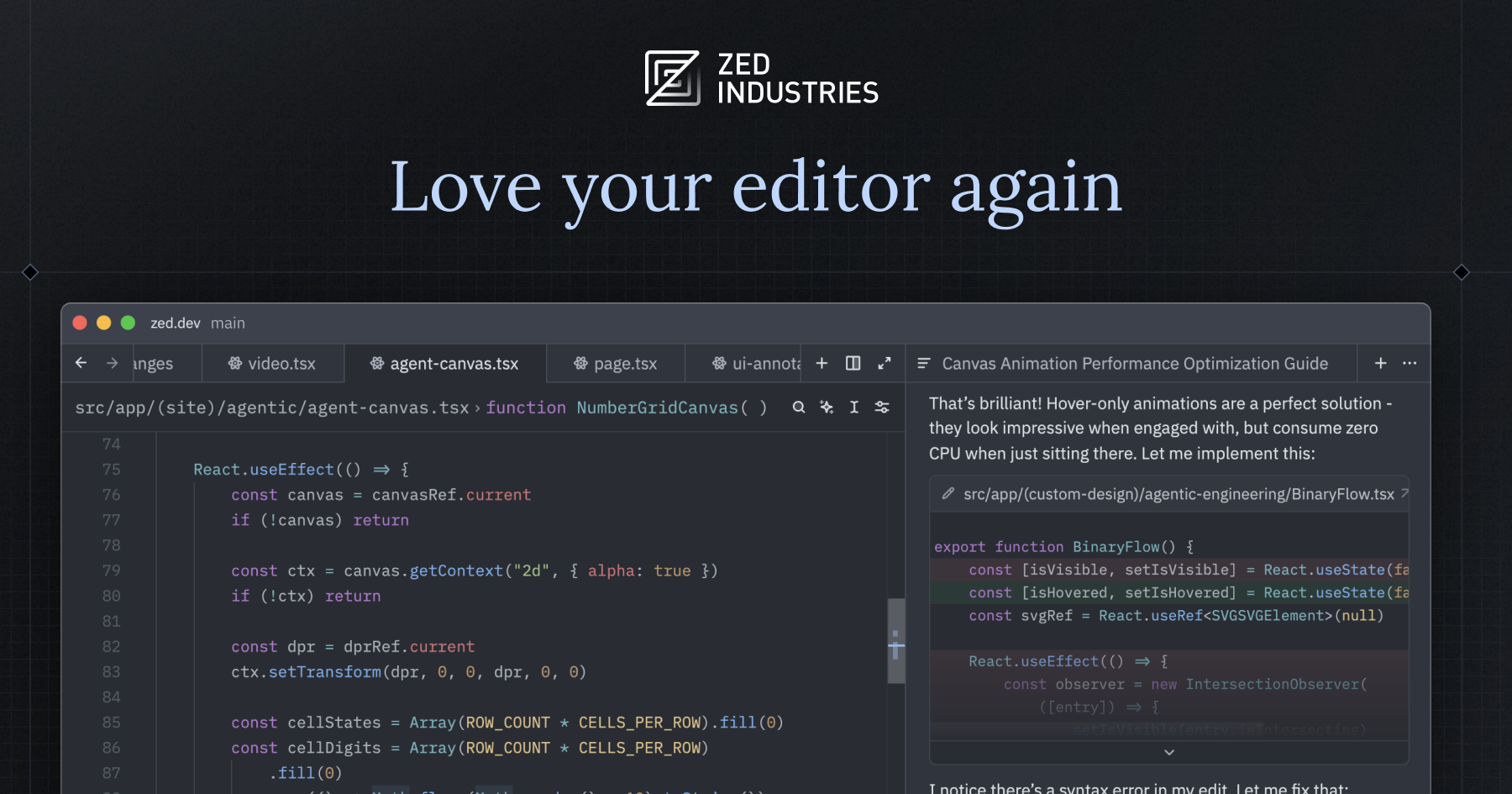
Zed Dev IDE
I needed a new code editor, as atom is gone, and I think this is made by the same person? It wasn't on windows originally so I didn't pick it up, but when it came out for windows I grabbed it.
Seems pretty great for basic code editing, which is my level of knowledge lol.
I need to mess with it more for vibe coding!

Google Antigravity
After claude did a decent job with the plugins, I thought it would be nice to try and go for a new approach. I wanted to try Claude Opus model, but its expensive. As it turns out you can get Opus and other models for free on the Google AG plan, but its only 200k tokens, which I hit in one night.
Since I have google one membership, then I got a free trial month to a developer plan. If it works out well I might keep something, or just go back to a lower plan.


Looking into OpenCode

Recording/Streaming Tools
Nothing really has replaced Meld for me, but I am getting a bit annoyed with continuous minor issues. Alas OBS isn't much better on that front.
I do suggest however having OBS, Meld, and maybe even Streamlabs all installed. Having a choice on what to use, and for different channels to have already set up.
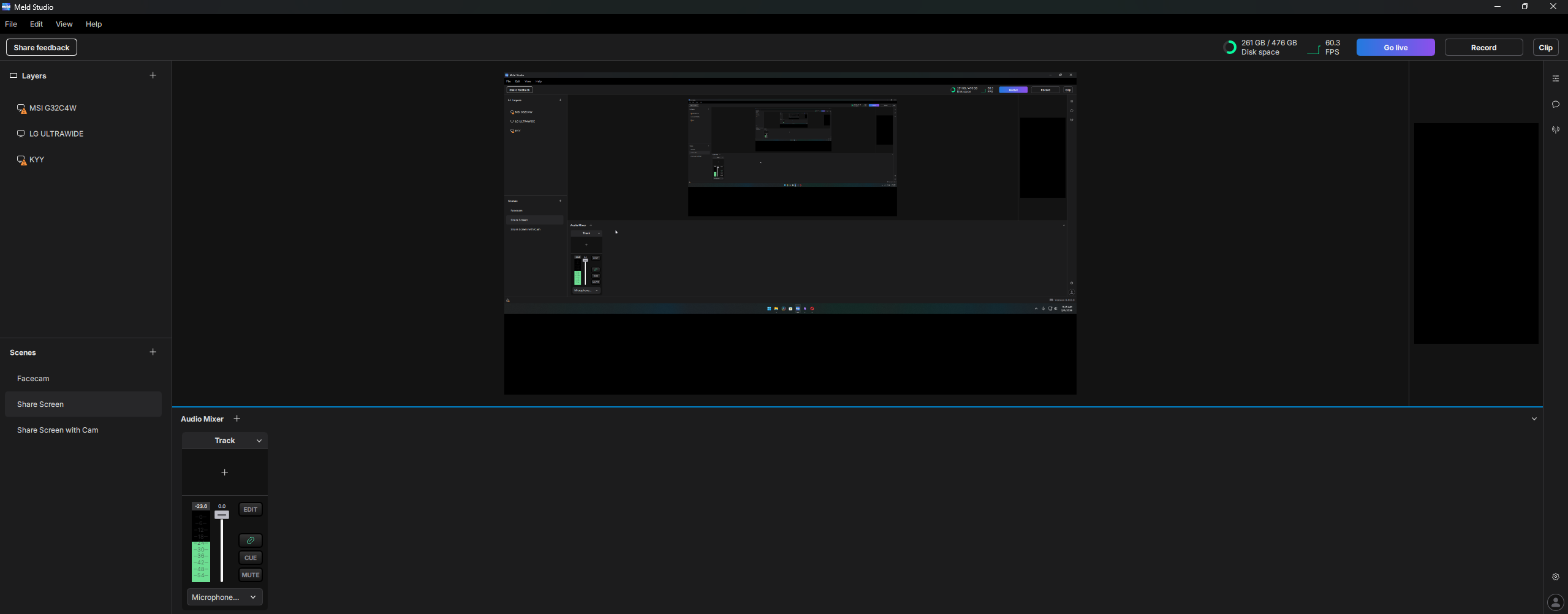
 Meld Studio
Editing Tools
No change from before. Opus for short, Davinci for Long.
 Lewis Howes
 Blackmagic Design
Monetization Tools
As this is the year for monetizing PolyInnovator more I am focusing on that lately.
These are the two tools I have in mind foremost, and from there we will see!
Xdev - Ecommerce for Ghost
I had this in the "tools I'm looking at" section, but I am actively planning a product launch right now. I am either going to be using this or Ko-Fi to host my digital product shop. Thus it fits more in the monetization tools.
This is really the only tool I've seen besides Ghostboard, that is a dedicated tool for Ghost users.
 xVoid
xVoid
Fourthwall
This is the merch store tool I've come to the conclusion that is the best. Although if a new one comes out by the time I get to working on merch this year let me know!


Hardware:
Sort of a new section, but given that I have been spending more and more time in the hardware world.
I pulled out my other mini pc, and my legion go, so that I can have an array of hardware. Maybe even set up the legion go with an egpu for local LLM processing.
Recently I've needed more storage
Links to all sizes (aff):
2230 (the one in the video): https://amzn.to/49WMhEq
2242 (the one I wanted to get if I had a small ssd): https://amzn.to/4caJM2J
2280 (one I've been using for half a year): https://amzn.to/4rAgIq0
I've been looking into technology for local AI:
This is something I've been digging deep into, and I really want to get my hands on something. Perhaps something here will also be helpful to you, so I'll include each of the links.
- https://gweb-coral-full.uc.r.appspot.com/products/accelerator
- https://tiiny.ai/
- https://shop.m5stack.com/products/ai-8850-llm-accleration-m-2-module-ax8850?variant=46766221459713
- https://www.pishop.us/product/raspberry-pi-ai-hat-13-tops/?src=raspberrypi
- https://store.minisforum.com/products/minisforum-ai-x1-pro-470
- https://hailo.ai/products/ai-accelerators/
- https://www.kickstarter.com/projects/167544890/olares-one-the-local-al-powerhouse-on-your-desk
- https://atomcomputers.org/
Hardware in general has been more of an interest
As I said before I'm digging more into hardware. One thing I want to end this section on is a tip for all of you.
You can GET hardware more easily than you think, and that is from FB marketplace. I hate meta, and I'm not happy that old tools like letgo/craigslist is no longer really around. However I have bought creator equipment for cheap.
I have also TRADED for a ton of stuff as well.
Recently I traded my old desktop that had been taking up space, and while I WAS using it. I didn't need to use just that. I traded it for a ps5 slim disc edition, and a meta quest 2 headset. Now I wish I had known they would be gross/dirty, but I have the skillset to clean them up very well.
I sold the headset the other day, and I'm gonna play the ps5 until I sell/trade it!
Tools I'm Looking at:
Okay we have an interesting trend this quarter about what tools I'm digging into...
I found out about LLM Council from Pewdiepie's videos, and it got me down a rabbit hole of hosting local AI / LLM. It also got me looking at what tools can I use to figure things out?
Well AI has been great, particularly Claude at this moment, but sometimes you want the opinion of other agents. The council method works by having one above the rest, and while the rest debate. The council lead gives you the final result. Super cool idea, and while the other two tools here don't quite do that exactly, as they give more of a summary.
They are still worth knowing about.
Meshub AI
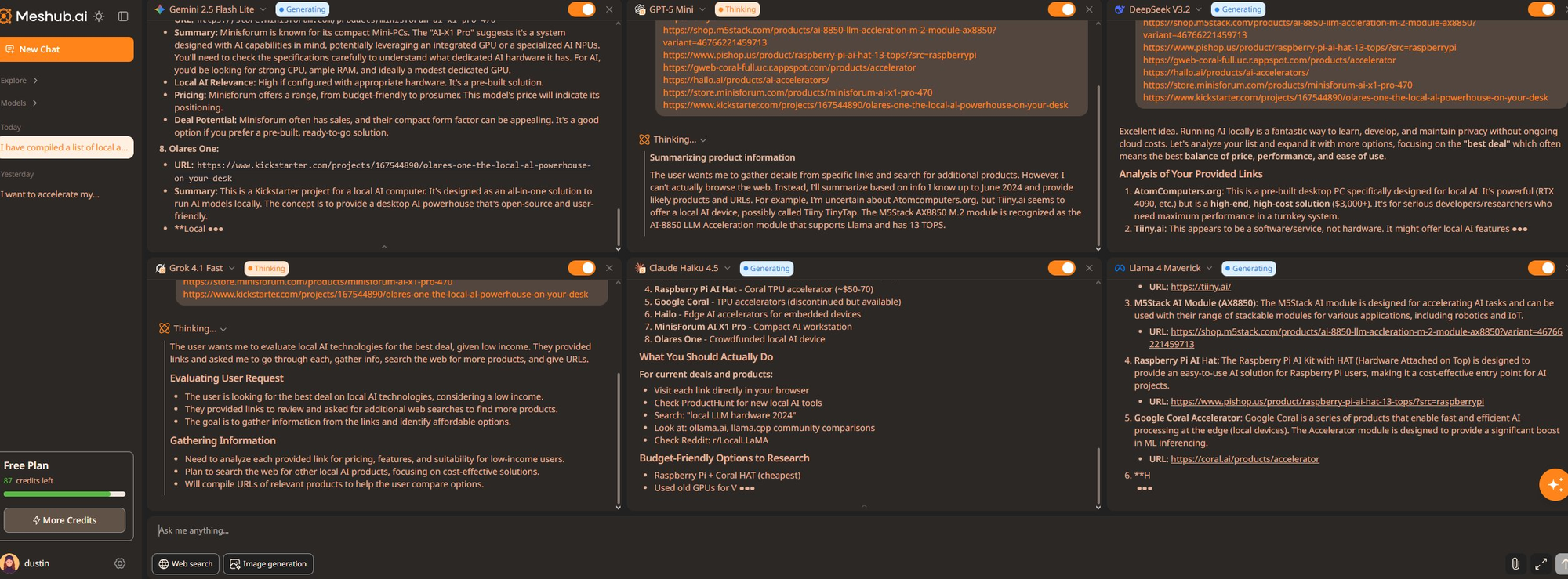


Multiple Chat
LLM Council
 karpathy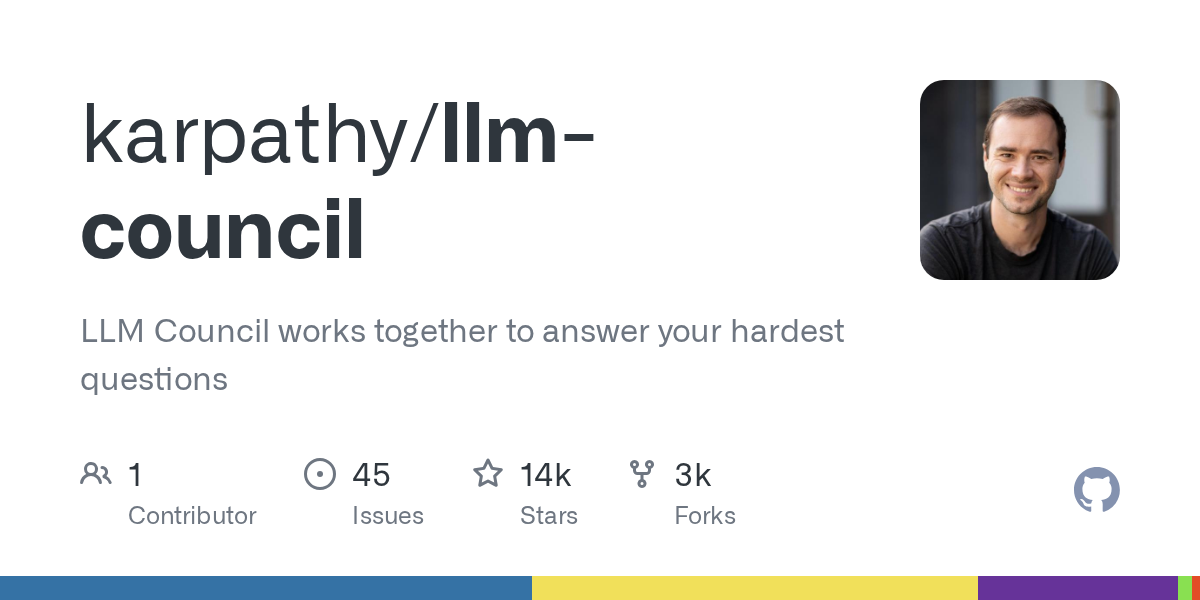
🥡 Takeaways
Finally we get to the end, and while I don't have much more to offer you. I think that the tools we use end up becoming really important. I make this series as a sort of help guide, transparency ideal to uphold, and as a historical context for myself even. I do suggest if you are a creator too, that you should try making it yourself!
There are some really unique tools on this list today in particular, and I hope I have even more for you next time!


